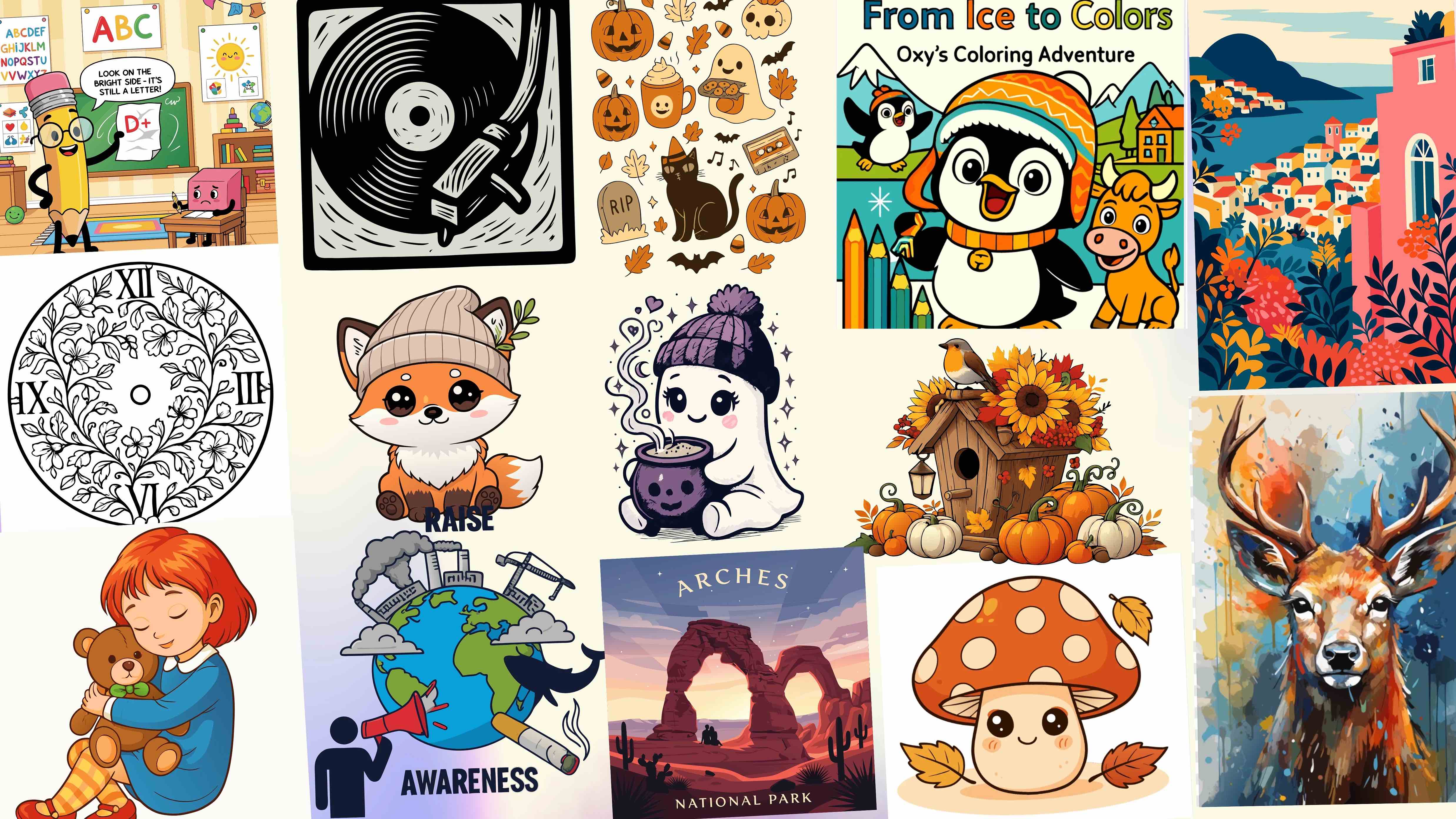
Best Free Web-Based SVG Editors to Edit SVG Files Online
Quick Summary:
- SVG files are lightweight, scalable, and ideal for logos, icons, websites, and marketing creatives
- Free online SVG editors often come with limitations like export restrictions, watermarks, or reduced editing control
- This guide reviews 10 free SVG editors and generators, focusing only on what's usable on the free tier
- Tools are evaluated based on real SVG editing, export quality, ease of use, and common marketing/design use cases
- SVGMaker pairs the best free AI-powered SVG generator with SVG Editor for hands-on editing and one-click export of selected objects
- Traditional SVG editors offer precision, while AI SVG tools prioritize speed and accessibility
- The best SVG tool depends on whether you value control, collaboration, or fast content creation
Best overall free SVG tool for marketers: SVGMaker
Best manual SVG editor: Inkscape
Best for social media graphics: Canva
If you work with digital visuals, you already know how useful SVG files can be. They are lightweight, scalable, and perfect for logos, icons, illustrations, landing pages, and marketing creatives. That is why so many designers and marketers look for free online SVG editors and generators.
But here is the reality. Most free SVG tools come with limits. Some add watermarks. Some flatten your vectors during export. Others restrict editing so much that the final file is barely usable. That does not mean free tools are useless. It just means you need to know what each one can realistically do before you rely on it.
This guide is written to help you choose wisely. We focus only on what you can actually do on the free tier, not paid features. Each tool is reviewed honestly with pros, cons, and real limitations so you can decide what works best for your workflow.
10 Free SVG Editors and Generators
| Tool | Best For |
|---|---|
| SVGMaker | Marketers and beginners alike |
| Inkscape | Detailed vector editing |
| Boxy SVG | Browser based editing |
| Vectr | Simple graphics |
| SVG Edit | Fast manual fixes |
| Figma | Team collaboration |
| Canva | Marketing visuals |
| Method Draw | Minimal editing |
| Vecteezy | Editing free stock vector graphics |
| Online SVG Code Editors | Previews and small tweaks |
How We Evaluated These Free SVG Tools
To keep this list practical and trustworthy, each tool was evaluated based on the following criteria.
- First, it had to allow real SVG editing or generation for free. Viewing alone does not count.
- Second, the export quality had to be usable for real projects, not just previews.
- Third, the tool had to be reasonably easy to use for designers and marketers who may not be vector experts.
- Finally, we looked at how helpful each tool is for common use cases like branding, social media graphics, icons, or website visuals.
Paid features were not considered when ranking these tools.
Tool Reviews
1. SVGMaker
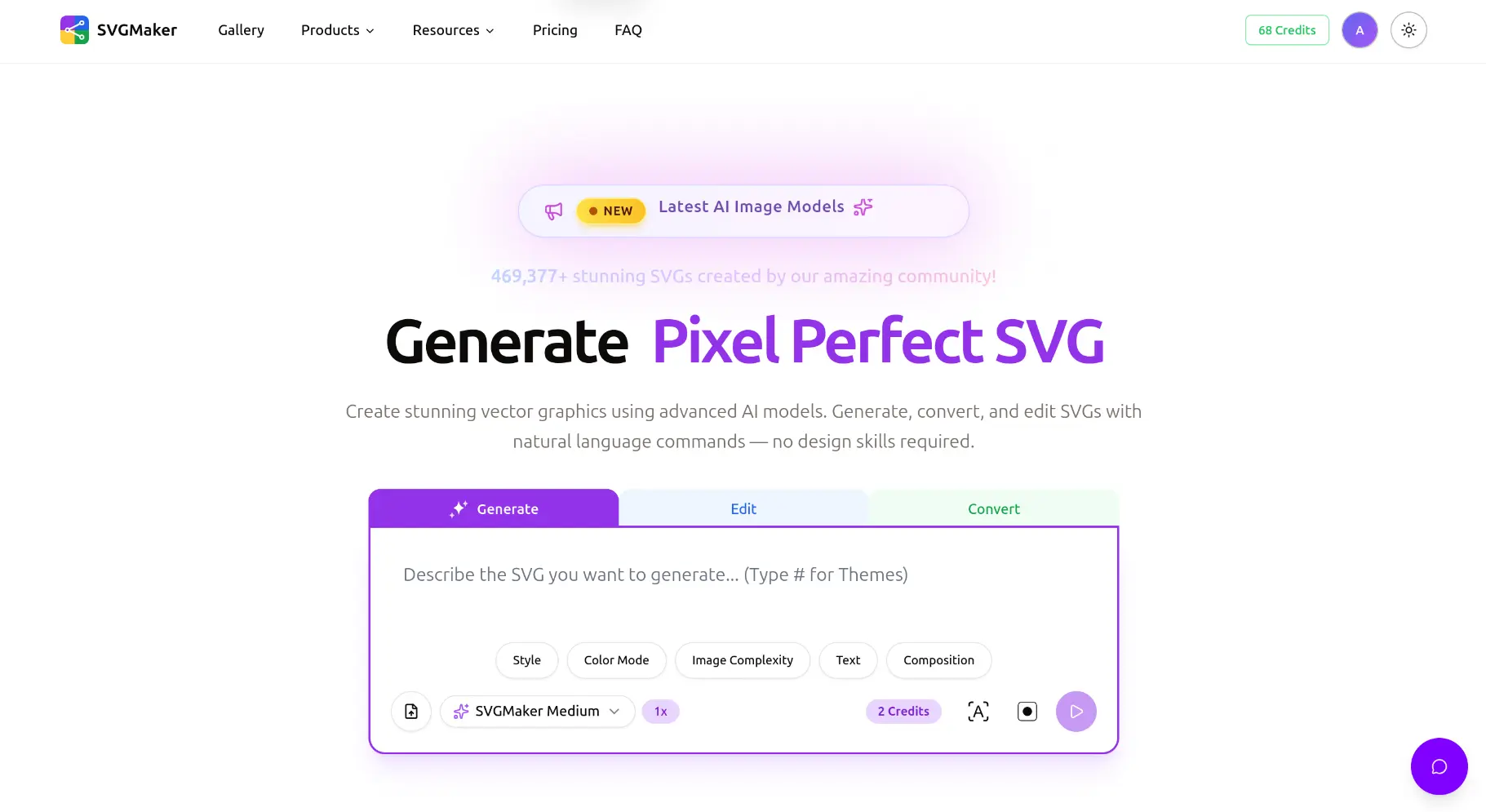
Best for fast AI generated SVGs with real editing control
SVGMaker stands out because it combines AI powered SVG generation with hands on editing in one browser based tool. The editor now brings pro grade precision to the free tier: smart snapping with magnetic alignment guides and automatic equal spacing detection, group editing so you can step inside a group to tweak its children and exit with it rebuilt untouched, zoom aware rulers with a toggleable grid, and a live layers panel with thumbnails, drag to reorder, and inline renaming. It feels more like a professional product even on the free tier.
What you can do for free
You can generate SVGs using text prompts with the AI generator, then switch to the separate SVG Editor to edit shapes and colors directly, restyle text with 33 built-in web fonts, and download just the objects you select or whole svg, all without installing any software.
Pros
The interface is beginner friendly. The AI generator helps you go from idea to vector quickly, and the dedicated SVG Editor keeps the output clean and editable. In the editor, you can restyle text with 33 built-in web fonts, and one-click export of selected objects lets you pull a single icon or label out of a busy design as a cropped SVG.
Cons
Usage limits apply on the free tier.
Free tier limitations
Daily generation limits and restricted access to some advanced styles.
When upgrading makes sense
If you create SVGs regularly for marketing campaigns, product visuals, or brand assets, upgrading saves time and improves consistency.
2. Inkscape
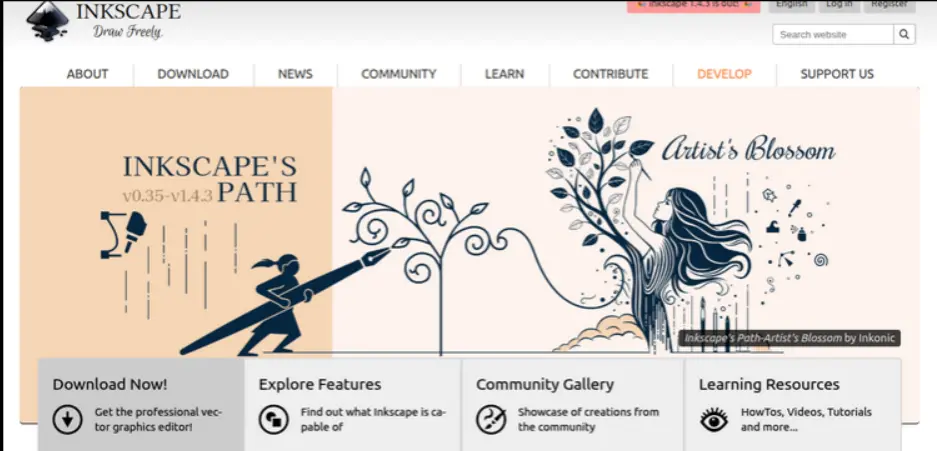
Best for full manual control over SVG files
Inkscape is a powerful open source vector editor that supports SVG natively. While it is traditionally desktop based, many designers still rely on it for serious vector work.
Pros
Very powerful editing tools. No watermarks. Excellent SVG compatibility.
Cons
Steep learning curve. Not ideal for quick marketing tasks.
Free tier limitations
There are no feature limits, but speed and ease of use can be a challenge for beginners.
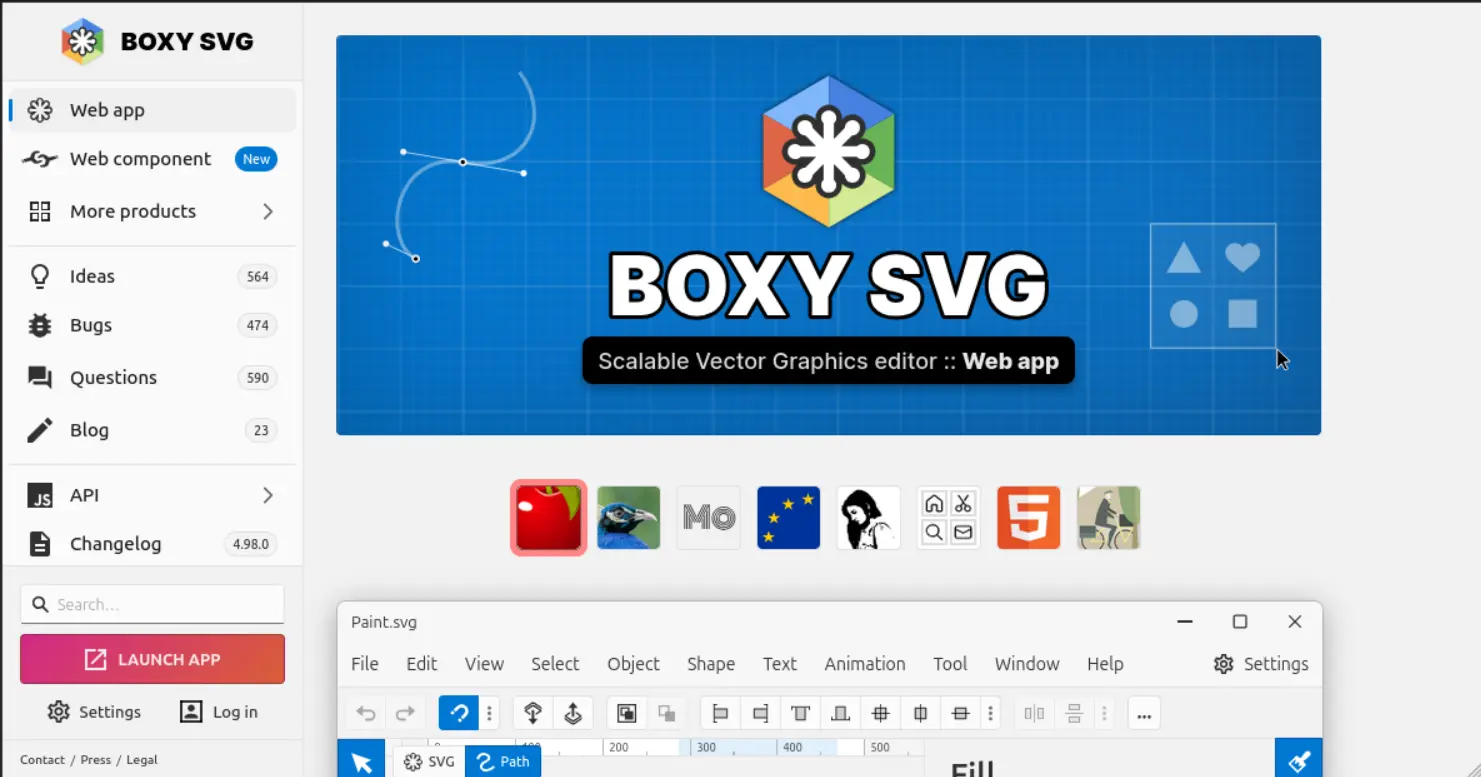
3. Boxy SVG
Best for clean browser based SVG editing
Boxy SVG is a lightweight online editor focused specifically on SVG files.
Pros
Simple interface. Good basic shape and path editing.
Cons
Advanced tools are limited to the free version.
Free tier limitations
Some export options and advanced features are locked.
4. Vectr
Best for simple vector graphics and quick visuals
Vectr is easy to use and works well for basic vector designs.
Pros
Beginner friendly. Web based. Good for quick graphics.
Cons
Not ideal for complex SVG editing.
Free tier limitations
Limited control over detailed paths and effects.
5. SVG Edit
Best for quick manual fixes
SVG Edit is an open source browser based editor that works directly with SVG code and visuals.
Pros
No account needed. Runs fully in the browser.
Cons
Outdated interface. No smart tools.
Free tier limitations
No AI features or advanced design controls.
6. Figma
Best for teams already using Figma
Figma is not an SVG only tool, but it handles SVG export well and offers collaborative design features.
Pros
Excellent collaboration. Clean SVG exports.
Cons
Requires an account. Not optimized for SVG specific workflows.
Free tier limitations
Project and file limits apply.
7. Canva
Best for non designers creating marketing visuals
Canva is popular among marketers because of its ease of use and templates.
Pros
Very easy to use. Great for social and marketing graphics.
Cons
Limited control over SVG structure.
Free tier limitations
Some SVG exports and elements are restricted.
8. Method Draw
Best for minimal SVG editing
Method Draw is a simple browser based SVG editor.
Pros
Fast. No login required.
Cons
Very basic feature set.
Free tier limitations
Not suitable for complex or detailed designs.
9. Vecteezy
Best for editing free stock vector graphics
Vecteezy pairs a large library of free vector graphics with a browser based editor, so you can customize ready made SVGs instead of designing from scratch.
Pros
Huge library of ready made vectors. Easy in browser editing. No software to install.
Cons
Free downloads often require attribution. Editing tools are lighter than dedicated vector editors.
Free tier limitations
Premium assets and some export options require a paid plan.
10. Online SVG Code Editors
Best for previews and small tweaks
These tools allow you to view and slightly edit SVG files online.
Pros
Quick access. No installation.
Cons
Very limited functionality.
Free tier limitations
Not suitable for real design work.
Free SVG Tools vs AI Powered SVG Tools
Traditional free SVG tools rely heavily on manual work. You draw paths, adjust anchors, and fine tune shapes yourself. This gives you control but takes time and skill.
AI powered SVG tools reduce the effort. You describe what you need and refine it visually. For marketers and non designers, this approach is faster and more accessible.
Both have their place. Manual tools are better for detailed custom artwork. AI tools are better for speed, experimentation, and scaling content creation.
Quick Recommendations For You
| Use Case | Recommended Tool |
|---|---|
| Best free tool for marketers | SVGMaker |
| Best for icons | Inkscape |
| Best for quick edits | SVG Edit |
| Best for social graphics | Canva |
| Best AI SVG generator | SVGMaker |
| Best for collaboration | Figma |
Frequently Asked Questions
1. Are free SVG editors good enough for professional use?
Free SVG editors can work for simple projects like icons, social graphics, or basic website visuals. However, they often come with limitations such as restricted exports, limited editing tools, or lower quality output. For consistent professional use, many users eventually move to freemium or paid tools.
2. What limitations should I expect from free SVG tools?
Most free SVG tools limit export quality, file size, daily usage, or advanced editing features. Some may also restrict commercial use or add watermarks. Knowing these limits helps avoid surprises later.
3. Can I create SVG files without design experience?
Yes. Many modern tools, especially AI powered SVG generators, are built for beginners. They allow users to create SVGs using text prompts or simple controls instead of complex vector editing.
4. What is the difference between an SVG editor and an SVG generator?
An SVG editor lets you manually modify existing vector files by adjusting shapes, paths, and colors. An SVG generator creates new SVGs automatically, often using templates or AI, which is faster for users who do not want to design from scratch.
5. Are AI-powered SVG tools better than traditional editors?
AI-powered SVG tools are generally faster and easier for marketers, beginners, and non-designers, while traditional editors provide greater precision and control for experienced designers. The right option depends on your skills, workflow, and project requirements. For a detailed comparison, explore our guide to the Top 10 AI SVG Editors.
6. Can I use free SVG tools for commercial projects?
Some free tools allow commercial use, while others restrict it or require attribution. Always check the tool's licensing terms before using SVGs in client work or paid marketing campaigns.
7. Why do some free SVG tools produce poor quality exports?
To encourage upgrades, many free tools limit resolution, simplify paths, or restrict full SVG structure during export. This can result in less flexible or harder to edit files.
8. Is it better to convert images to SVG or create SVGs from scratch?
Converting images to SVG works well for logos and simple graphics but can struggle with photos or complex details. Creating SVGs from scratch or using an AI generator usually produces cleaner and more editable results.
9. When should I consider upgrading from a free SVG tool?
You should consider upgrading when you hit usage limits, need higher quality exports, require consistent branding, or want to save time across repeated projects.
10. Which free SVG tool is best for marketers?
For marketers who need speed, ease of use, and editable SVGs, AI powered tools like SVGMaker are often the most practical choice. They reduce design time while still offering usable vector output.
Conclusion
Free SVG editors and generators can be incredibly useful when you understand their limits. No single free tool does everything perfectly. The right choice depends on whether you value speed, control, or ease of use.
If you want fast, editable SVGs without deep design skills, AI powered tools offer a clear advantage. That is where SVGMaker stands out by combining generation and editing in one place.
If you are ready to create professional quality SVGs without complex software, start with SVGMaker and see how far the free version can take you. When your workflow grows, upgrading becomes a natural step rather than a forced one.