Edit SVGs with AI
Edit and modify existing SVG files with SVGMaker's built-in AI assistant. Describe your changes in text prompts and watch them appear directly on the canvas—no design experience required.
Trusted by 100,000+ Designers, Marketers and Indie Brands Worldwide
 Etsy
 Shopify
 Amazon
 Redbubble
 Printful
 Teespring
 Zazzle
 Society6
 Spreadshirt
 CafePress
 Teepublic
 Cricut
 Silhouette
 Heat Press Nation
 Siser
 Glowforge
 Adobe
 CanvaEtsyShopifyAmazonRedbubblePrintfulTeespringZazzleSociety6SpreadshirtCafePressTeepublicCricutSilhouetteHeat Press NationSiserGlowforgeAdobeCanvaEtsyShopifyAmazonRedbubblePrintfulTeespringZazzleSociety6SpreadshirtCafePressTeepublicCricutSilhouetteHeat Press NationSiserGlowforgeAdobeCanva
 Figma
 CorelDRAW
 Affinity Designer
 Sketch
 Inkscape
 Pinterest
 Kajabi
 Tedooo
 Upwork
 99designs
 Creative Market
 Cara
 Artstation
 Illustrators For Hire
 Creative Bloom
 Behance
 Design Bundles
 Envato ElementsFigmaCorelDRAWAffinity DesignerSketchInkscapePinterestKajabiTedoooUpwork99designsCreative MarketCaraArtstationIllustrators For HireCreative BloomBehanceDesign BundlesEnvato ElementsFigmaCorelDRAWAffinity DesignerSketchInkscapePinterestKajabiTedoooUpwork99designsCreative MarketCaraArtstationIllustrators For HireCreative BloomBehanceDesign BundlesEnvato Elements
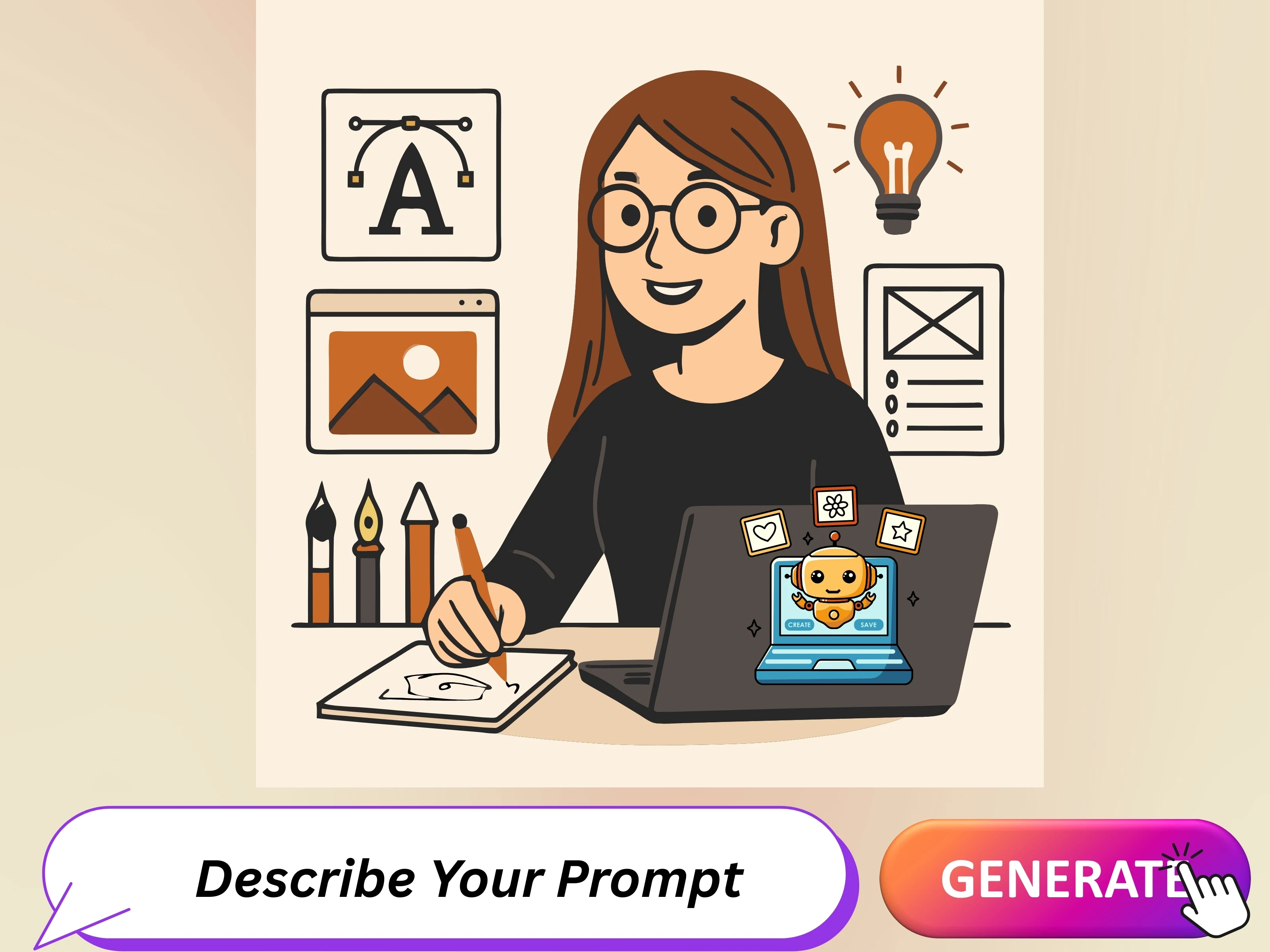
AI SVG Creator
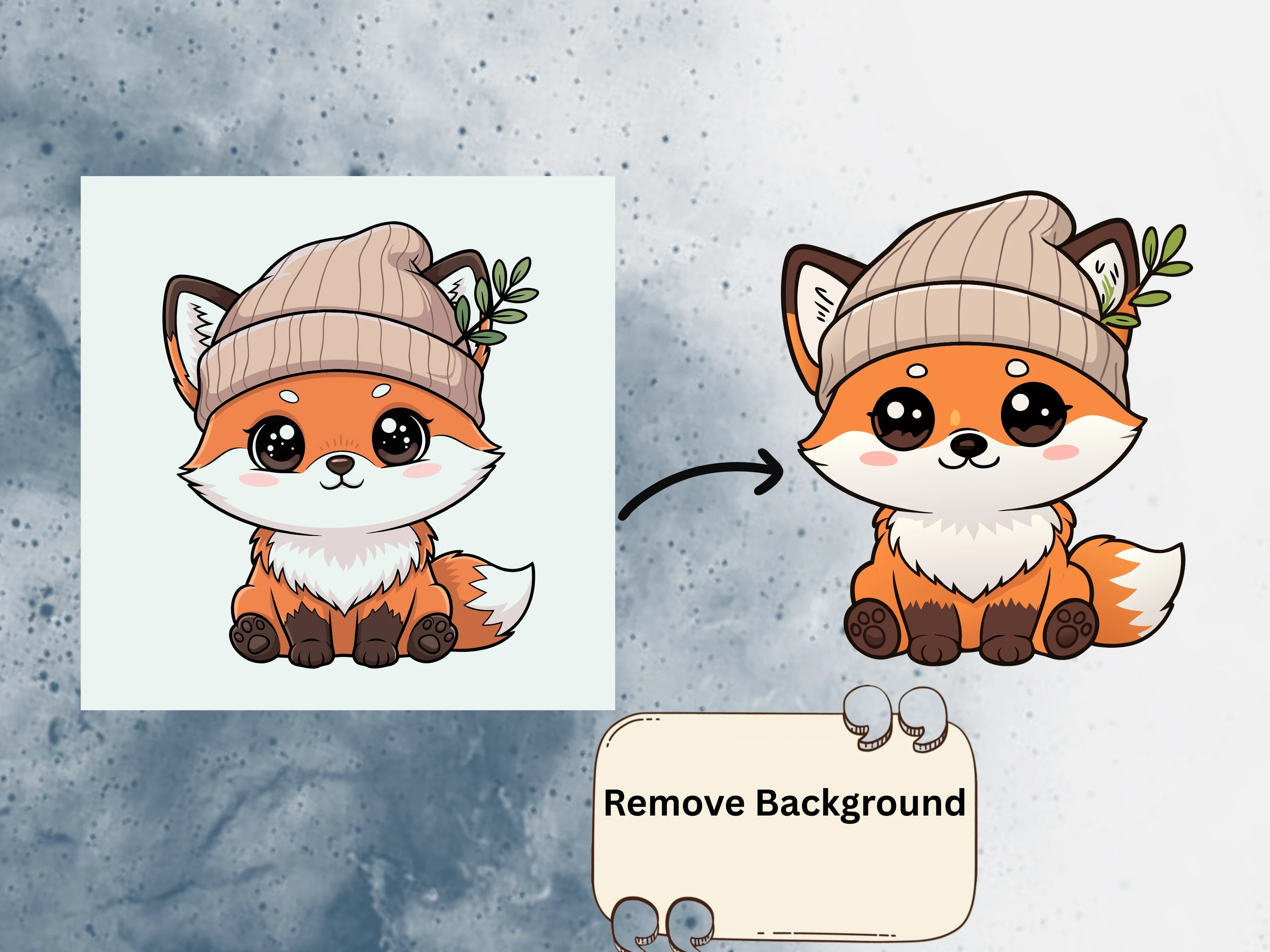
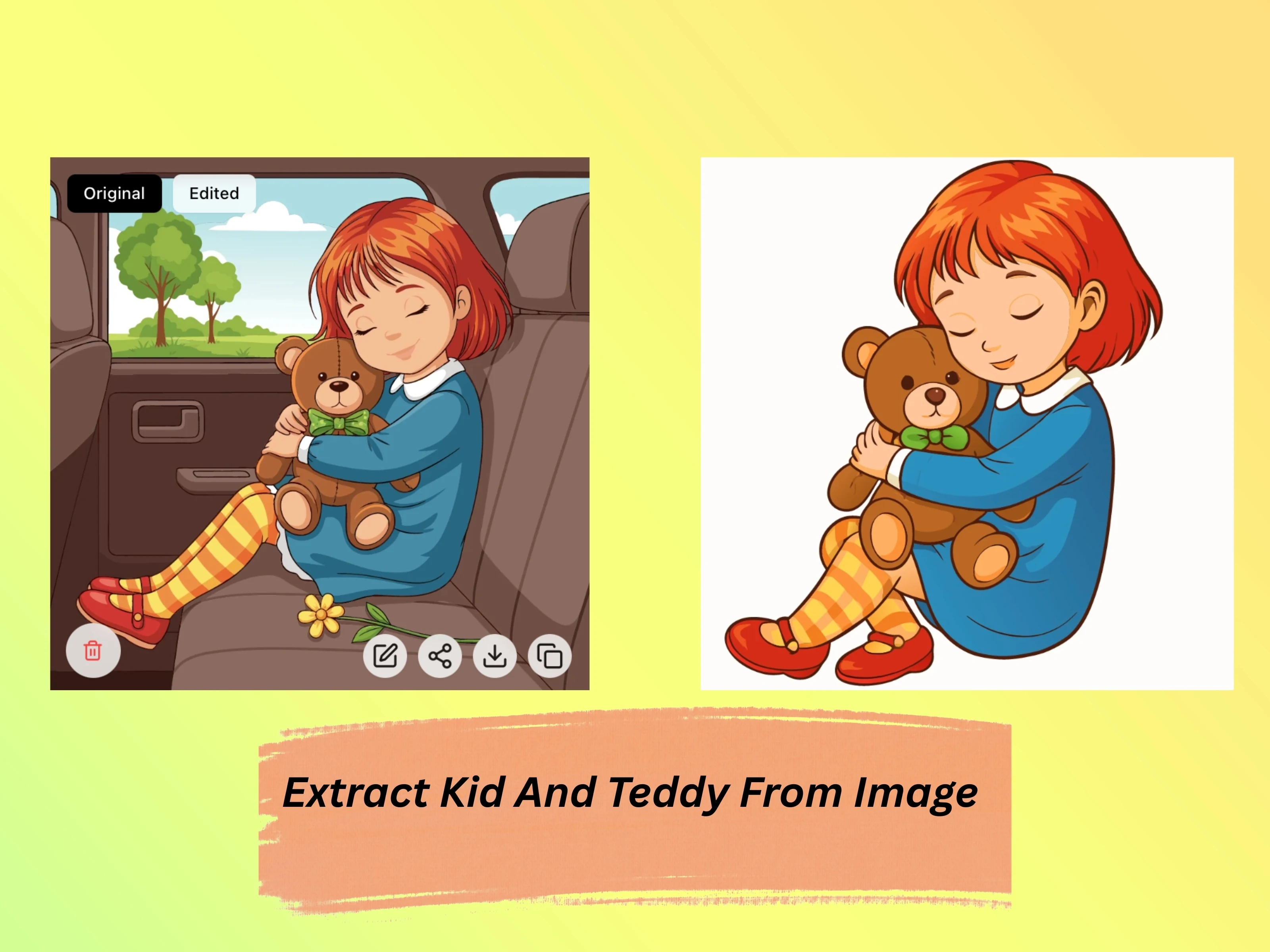
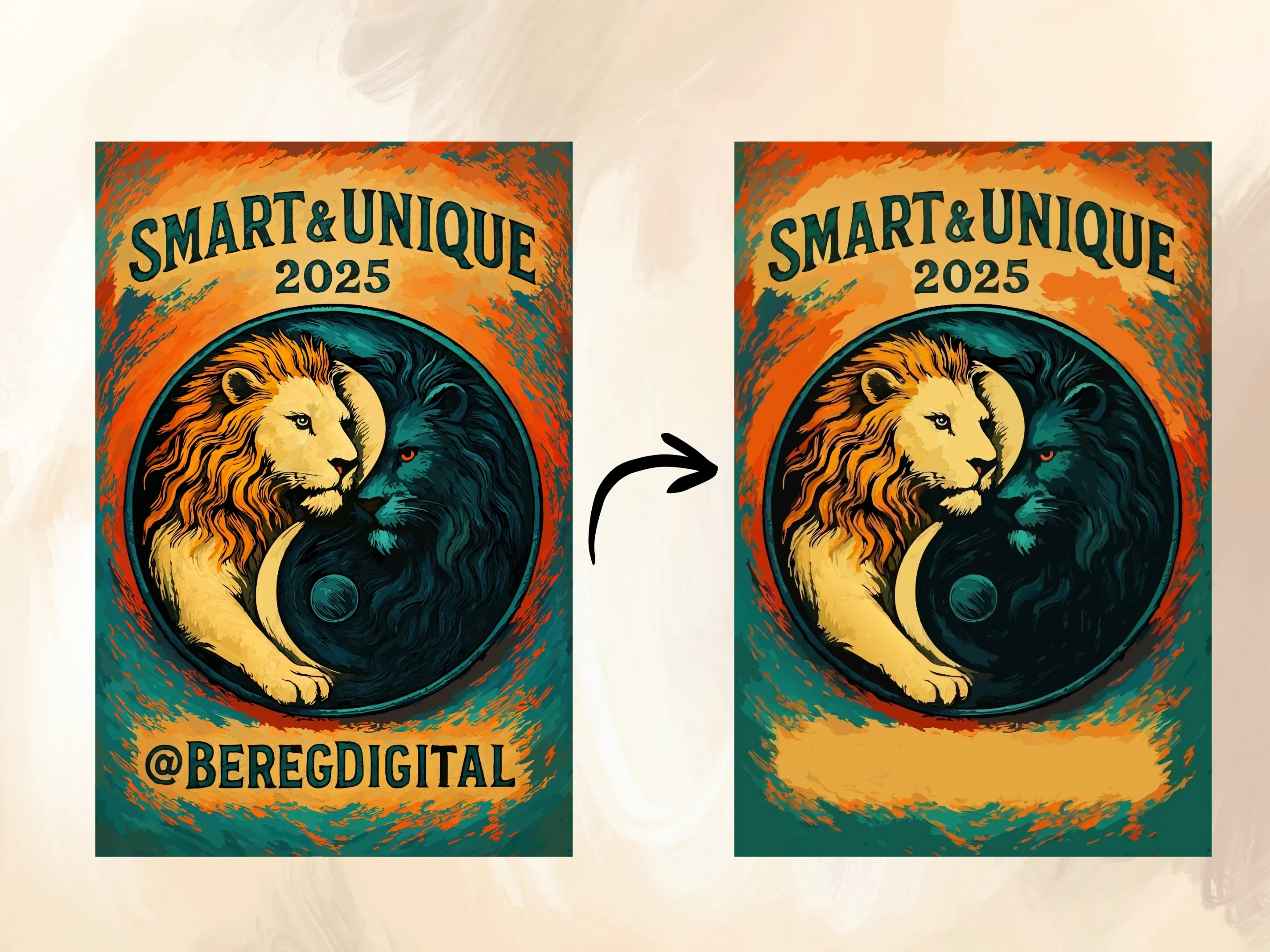
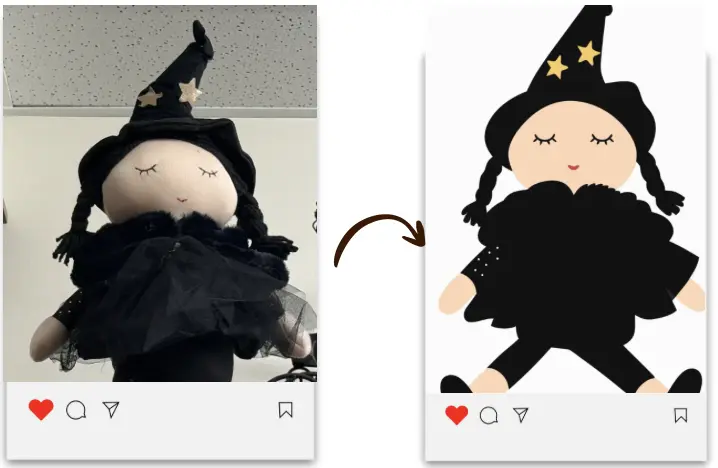
Simple yet powerful interface that combines artificial intelligence with precision controls to transform your ideas into perfect vector graphics

For Professionals
Advanced tools and integrations for developers, designers, and teams
Advanced SVG Editor
A powerful and intuitive online SVG editor with free drawing, brush tools, path manipulation, smart snapping, group editing, rulers & grid, group & ungroup, dropshadow, and advanced color controls. Features a magic eraser to clean up SVGs for crafting and cutting machines. Design, modify, and optimize vector graphics with precision for web, UI, and creative projects.
Open EditorMultiple SVG Generation & Editing
SVGMaker's AI-powered SVG Generator and Editor lets you generate and edit up to 4 variations of SVG designs at once, powered by leading external models like Nano Banana Pro, Seedream, GPT-Image-1, Flux, Qwen Edit Plus, and more.
SVG Converter
Convert images into lightweight, editable SVG files with AI vectorization that are ready to scale, customize, cut, print, engrave, and use across Adobe Illustrator, Figma, web design, crafting, and production workflows.
Open ConvertDesign Ready Presets
Apply styles to SVGs instantly with our SVG Style Generator. Choose from presets like Flat, Minimalist, Outline, Isometric, Linocut, Line Art, Engraving, Silhouette, Cartoon/Playful, and Gibli to create modern, creative vector graphics.
Developer Integrations
Integrate SVGMaker into your workflow with our comprehensive REST API or use our MCP server with Claude Code, Cursor, and VS Code. Generate, edit, and convert SVGs programmatically or directly from your code editor—perfect for developers building automation tools and custom applications.
Supported File Exports
Download your work in vector formats (SVG, PDF, EPS, AI, DXF) for infinite scaling or raster formats (PNG, JPG, WebP) for the web or JSX component (React, React-Native) for development or basic web codes(HTML, CSS, Data URI). Our default is SVG, the web-standard for quality and flexibility.
Loading pricing...
What Our Customers Say
No more pixelated designs, limited customization, or costly redraws. Hear how creators, sellers, and designers use SVGMaker to unlock scalable, editable designs with ease.
Great tool! The interface is intuitive and the AI models produce excellent results. Keep up the good work!
 SVGMaker platform
I’ve been using SVGMaker to convert PNG images into vector files for my laser cutting work, and the results have been excellent. The details remain sharp, and the files are easy to adjust before cutting. It saves a lot of time compared to desktop software, and the precision is impressive. I highly recommend it for laser and CNC projects.
is so amazing and powerful
Easily one of the best SVG generators on the market right now. Superior design with great capacity of varying styles of art. Also, fantastic customer support.
SVG Editor is a great tool for resizing an SVG file. I use SVG Editor to change the resolution (pixels) of the original SVG file, and then convert the result to a JPG file. The nice thing is that I can do all of that with one tool.
I have used this tool and it was really good. It was working well in creating and editing the SVGs. Moreover it also saves a lot of time.
You're already good. Continue what you're doing
I’m part of a small development team, and we integrated the SVGMaker API for automated vector generation in one of our client tools. The integration went smoothly, and the documentation was clear. Their support team was helpful and responded quickly when we had setup questions. For developers, the API is well thought-out and flexible.
I haven't used anything but the editor so far whick was great. I am excited for the others
I design t-shirts and digital stickers for my online shop. This tool lets me create new artwork in minutes instead of hours. The AI-generated SVGs are creative, clean, and easy to customize with my brand colors. The export options are simple and cover everything I need. I’ve noticed my product creation time has dropped by almost half.
great service, I like everything so far
Overall, I’m impressed with how consistent the results are. I’ve been using SVGMaker for a few months, and it hasn’t disappointed. It’s reliable, fast, and easy to use. The pricing is fair, and you really get what’s promised clean, editable vector files ready for print or digital use.
Great tool for turning AI-generated images into clean SVGs. It would help to have a dedicated mode for logo vectorization that smooths lines and reduces anchor points while keeping gradients and text intact. Overall fast and easy to use.
I tried maybe five or six SVG makers while I was hunting for this, and I really like you guys' results. I like that you make it easy to download in various formats, and I like that I can buy packs of credits so I only have to buy when I need them.
This is really great ai so far, keep improving
I am good this software exists, I have been looking for it for a while.
Love the site so far!
SVGMaker has been a great addition to my daily work. I use it mostly for quick logo ideas and icon sets. The AI seems to understand design context really well, and the vector output is clean enough to use straight away. I also like that they are transparent about terms and commercial rights it gives me confidence to use the designs for client projects.
Great tool! The interface is intuitive and the AI models produce excellent results. Keep up the good work!
I’ve been using SVGMaker to convert PNG images into vector files for my laser cutting work, and the results have been excellent. The details remain sharp, and the files are easy to adjust before cutting. It saves a lot of time compared to desktop software, and the precision is impressive. I highly recommend it for laser and CNC projects.
is so amazing and powerful
Easily one of the best SVG generators on the market right now. Superior design with great capacity of varying styles of art. Also, fantastic customer support.
SVG Editor is a great tool for resizing an SVG file. I use SVG Editor to change the resolution (pixels) of the original SVG file, and then convert the result to a JPG file. The nice thing is that I can do all of that with one tool.
I have used this tool and it was really good. It was working well in creating and editing the SVGs. Moreover it also saves a lot of time.
You're already good. Continue what you're doing
I’m part of a small development team, and we integrated the SVGMaker API for automated vector generation in one of our client tools. The integration went smoothly, and the documentation was clear. Their support team was helpful and responded quickly when we had setup questions. For developers, the API is well thought-out and flexible.
I haven't used anything but the editor so far whick was great. I am excited for the others
I design t-shirts and digital stickers for my online shop. This tool lets me create new artwork in minutes instead of hours. The AI-generated SVGs are creative, clean, and easy to customize with my brand colors. The export options are simple and cover everything I need. I’ve noticed my product creation time has dropped by almost half.
great service, I like everything so far
Overall, I’m impressed with how consistent the results are. I’ve been using SVGMaker for a few months, and it hasn’t disappointed. It’s reliable, fast, and easy to use. The pricing is fair, and you really get what’s promised clean, editable vector files ready for print or digital use.
Great tool for turning AI-generated images into clean SVGs. It would help to have a dedicated mode for logo vectorization that smooths lines and reduces anchor points while keeping gradients and text intact. Overall fast and easy to use.
I tried maybe five or six SVG makers while I was hunting for this, and I really like you guys' results. I like that you make it easy to download in various formats, and I like that I can buy packs of credits so I only have to buy when I need them.
This is really great ai so far, keep improving
I am good this software exists, I have been looking for it for a while.
Love the site so far!
SVGMaker has been a great addition to my daily work. I use it mostly for quick logo ideas and icon sets. The AI seems to understand design context really well, and the vector output is clean enough to use straight away. I also like that they are transparent about terms and commercial rights it gives me confidence to use the designs for client projects.
Love SVGMaker? Share your experience
Support
Frequently Asked Questions
Got a question? We've got answers. If you have any other questions, feel free to contact us at info@svgmaker.io