SVG Editor Tool
Edit SVG files online in your browser with SVGMaker. Select and download individual SVG objects, resize elements, change colors, and customize SVG text with 33 built-in web fonts, no software or installation required.
or drag and drop your SVG file
TRUSTED BY CREATORS WORLDWIDE



SVG Editing Walkthrough
Watch the video below to understand Scalable Vector Graphics editing with a clear, hands-on tutorial.
How to edit an SVG file in 3 steps
Edit SVG files online without the need for complex software to create something extraordinary. Use SVGMaker's online Editor tool to get this done in moments. Here's how.
Upload Your SVG
Simply drag and drop your SVG file or click the upload button. Our editor accepts SVG files and instantly loads them for editing.
Edit and Customize
Use our powerful editing tools to modify size, color, opacity, rotation, and more. Group, ungroup, and manipulate individual elements with ease.
Download Your SVG
When you're done, export your edited SVG in various formats including vector, raster, React, React Native and HTML/CSS options.
Powerful SVG Editing Capabilities
Transform your SVG files with precision tools designed for creative professionals and enthusiasts alike.
Magic Eraser
Remove unwanted elements, backgrounds, or objects from SVG files with SVG Magic Eraser. Simply click the area with Magic Eraser to erase. Perfect for cleaning up designs for crafting and cutting machines, removing elements, or isolating specific elements without manual tracing.
Download Selected Objects
Download selected SVG objects from your design with ease. Choose a single icon, shape, text element, or SVG element and export only what you need.
Advanced Path Manipulation
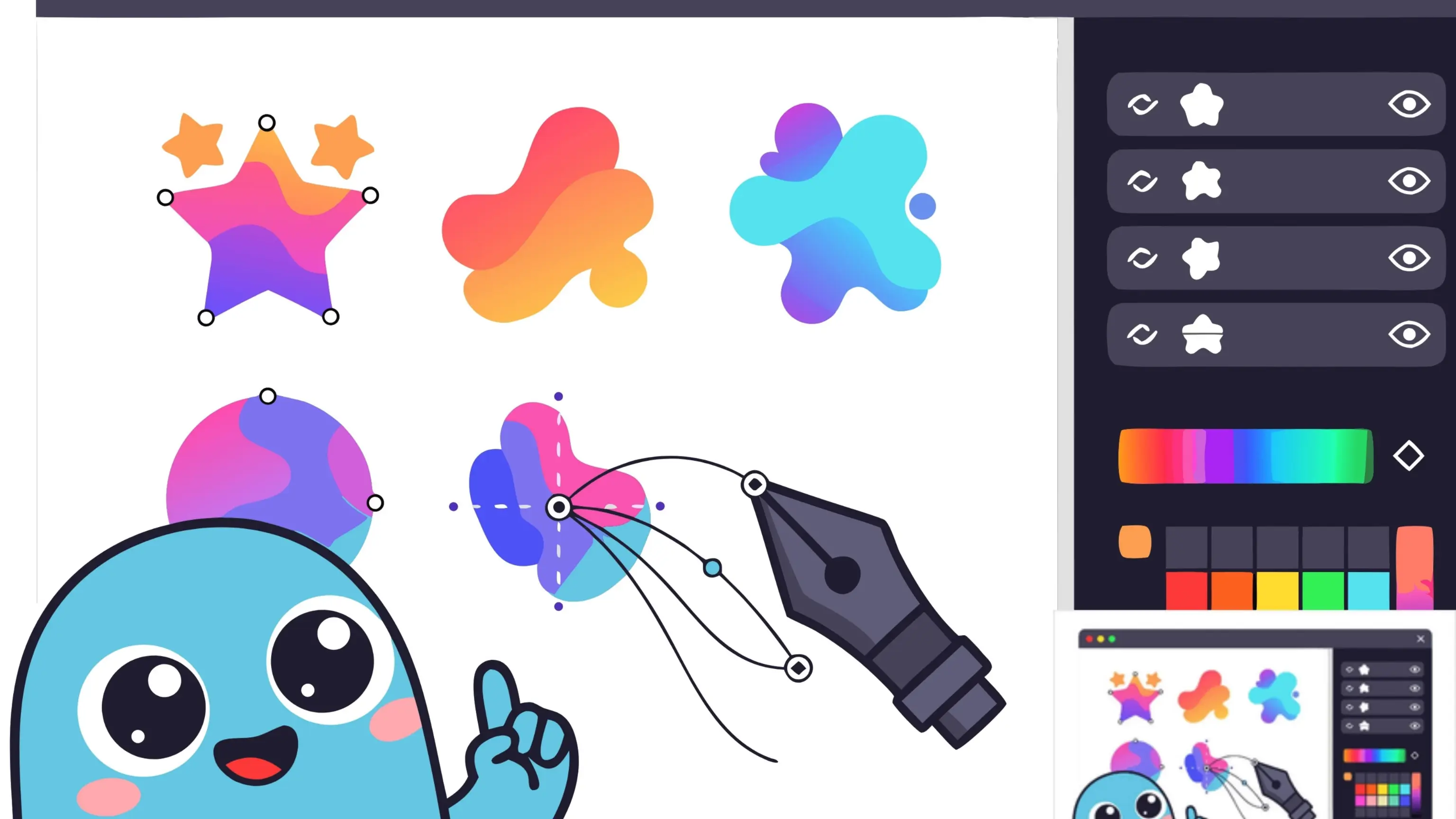
Fine-tune your vector graphics with precise path editing tools. Adjust anchor points, manipulate Bézier curves, and reshape paths to achieve the exact look you envision. Perfect for creating custom shapes and refining intricate details in your SVG designs.
Group & Ungroup SVG Elements
Organize your SVG structure by grouping related elements together or ungrouping them for individual editing. This powerful feature helps you manage complex designs, apply transformations to multiple elements at once, and maintain a clean, organized layer hierarchy.
Change Color of Individual Elements
Modify the colors of separate elements within your SVG with ease. Our intuitive color picker allows you to select and customize individual shapes, paths, and components, giving you complete control over your design's color palette without affecting other elements.
Web Fonts & Typography
Give your text the perfect look with 33 built-in web fonts. Just pick one from the live preview, search to find your favorite fast, and the font stays with your file. Your text always looks right wherever you share it, even if the font isn't installed on that device.
Smart Snapping & Alignment
Position every element with pixel-perfect accuracy using intelligent snapping. Snap to grid, align to nearby objects with magnetic guides, and detect equal spacing automatically as you drag. Snapping works while editing paths too, so anchor points and Bézier handles lock cleanly into place.
Complete Editing Toolkit
Everything you need to perfect your SVG files, from basic adjustments to advanced transformations.
Group Editing
Double click any group to step inside and edit its children directly, then exit and the group rebuilds itself untouched. Layers, alignment, and Select All all scope to the group you're inside.
Rulers & Grid
Zoom aware top and left rulers track pan and zoom, with a toggleable grid to keep your layout precise. Measure and align elements with confidence at any zoom level.
Live Layers Panel
See a live thumbnail of every object in your design. Select on the canvas and the matching layer highlights and scrolls into view, drag to reorder rows, double-click to rename, and expand groups into a tree.
Boolean Operation
Combine, intersect, or subtract shapes to create complex vector graphics from simple shapes or paths.
Copy Style
Copy formatting properties from any shape and apply them instantly to other elements. Ensure consistent colors, strokes, and effects across design.
Layer Management
Organize svg with advanced layer controls to hide, reorder, or lock elements. Locked objects stay locked across tool switches, undo/redo, and paste, and a "Locked only" filter isolates them instantly.
Drop Shadow
Add depth and dimension to your SVG elements with customizable drop shadows, enhancing visual hierarchy and creating professional effects.
Flip
Flip and mirror your SVG files horizontally or vertically to achieve perfect orientation and symmetry.
Rotate
Rotate your SVG elements with precision to any angle and explore different perspectives for your design.
Crop
Crop out unnecessary elements from your SVG to improve its composition and focus on what matters most.
Border
Add borders of specific color and width to your SVG elements to highlight or frame your design.
Text
Add editable text anywhere on your canvas and adjust its size, alignment, and spacing to enhance your SVG designs.
Powerful SVG Editors Comparison
Evaluate SVG editors based on features, capabilities, and usability.
| Features | SVGMaker | Vectr | Boxy SVG | Vector Ink | Canva | Adobe Illustrator | Mediamodifier |
|---|---|---|---|---|---|---|---|
| Responsive Artboard & Viewbox Controls | Basic | Limited | Basic | Limited | |||
| Beginner-Friendly Interface | Limited | Limited | Complex | ||||
| Free to Use | $9.99/year | Limited | $22.99/month | Limited | |||
| Precision Vector Drawing & Shape Tools | Advanced | Basic | Advanced | Basic | Basic | Advanced | Basic |
| Advanced Path & Node Manipulation | Advanced | Basic | Advanced | Limited | Limited | Advanced | Limited |
| Boolean Operation | Advanced | Limited | Advanced | Limited | Basic | Advanced | Basic |
| Advanced AI Support | Advanced | Limited | Limited | Basic | Limited | ||
| Precision Background Remove | Limited | ||||||
| Effects & Filters | Advanced | Limited | Basic | Limited | Basic | Advanced | Limited |
| Web Font Embedding & Typography | Advanced | Basic | Limited | Advanced | Limited | ||
| Version History | Limited | Limited | Limited |
Scroll horizontally to see all comparisons
What SVG Editor can be used for?
A free, online SVG editor made for professionals and creators working with scalable vector graphics