Case Study: How Daniel Kapogiannis Used an AI SVG Generator to Publish 3x More Visual Content
Published
Workflow
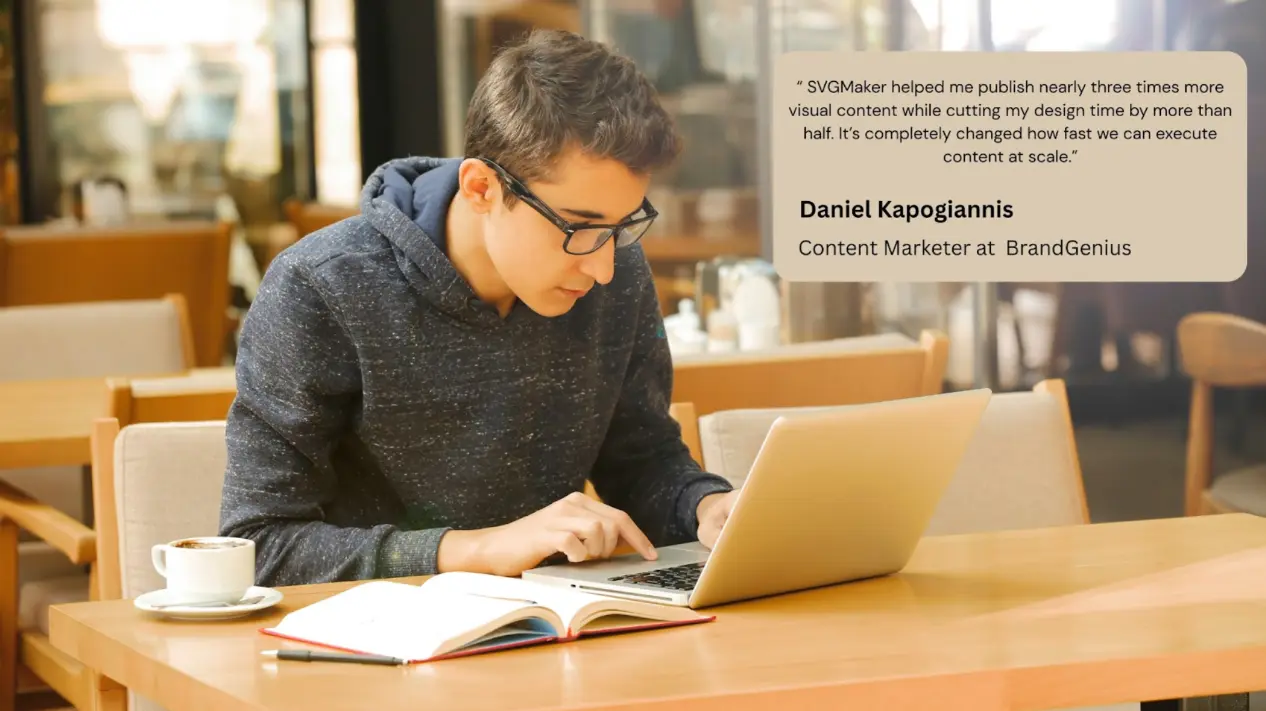
Meet Daniel Kapogiannis, the lead Content Marketer at BrandGenius—a boutique marketing consultancy dedicated to helping small-to-medium tech businesses build a strong brand presence. Working with a lean team, Daniel handles all written and visual content end-to-end. From blog illustrations and social media graphics to email headers and quick logo concepts for client pitches, he's responsible for bringing ideas to life visually as well as verbally. His role demands high-quality, brand-consistent visuals delivered fast—without the luxury of a dedicated design budget. Like many modern content creators, Daniel has to be a true one-person band. However, limited access to advanced design skills and complex tools like Adobe Illustrator often became a bottleneck, slowing down execution and creativity.
The Problem: A Bottlenecked Content Engine
Before implementing SVGMaker, Daniel's content creation process was fraught with inefficiencies that limited his output and creativity.
Time-Consuming Workflows
Creating a single custom icon or illustration could take hours. The process involved searching for stock images (often not a perfect fit), attempting edits in basic tools (resulting in pixelation), or going through lengthy back-and-forths with freelance designers.
Quality and Scalability Issues
Raster images (JPEGs, PNGs) sourced from stock sites would become pixelated when resized for different platforms, harming brand professionalism. Daniel lacked the tools to create truly scalable vector graphics (SVGs) that remain crisp on any screen.
Inconsistent Output
The reliance on multiple sources and creators led to a disjointed visual style across BrandGenius's content. Daniel needed a way to rapidly produce graphics that adhered to specific brand colors and a consistent aesthetic.
Creative Bottleneck
Ideas for custom visuals to complement blog posts were often abandoned because the effort to create them was too high. This resulted in text-heavy content that performed poorly in engaging audiences.
The Solution & Workflow: AI-Powered Scalable Vector Design on Demand
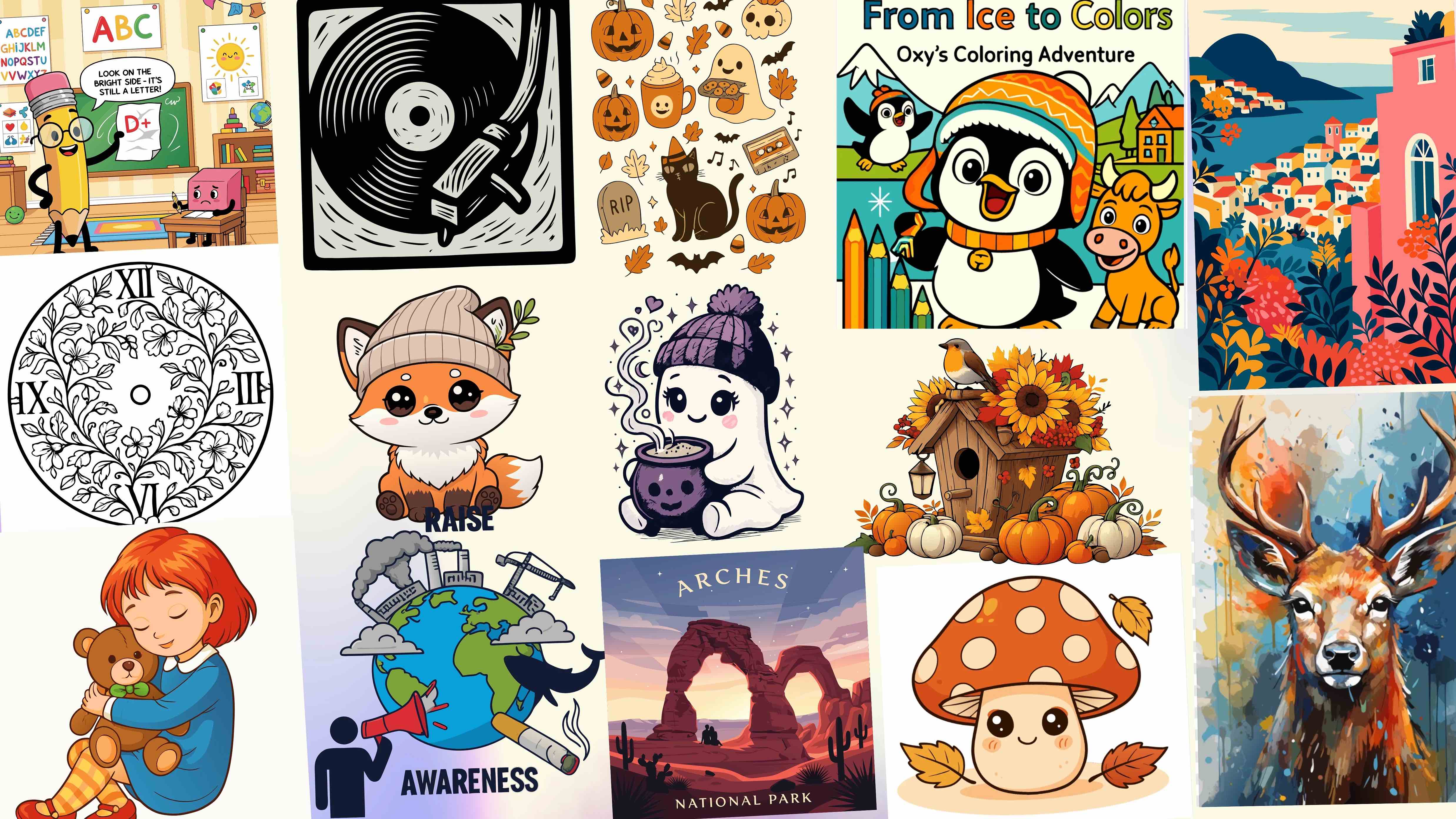
Daniel integrated SVGMaker into his daily workflow as his primary tool for generating and editing vector graphics. The platform's AI-powered SVG generator and prompt-based AI SVG editor allowed him to turn ideas into ready-to-use assets in minutes, not hours.
Core Workflow with SVGMaker:
- Ideation to Prompt: For a blog post about “data security,” Daniel would craft a text prompt like: “A simple, flat shield icon with a lock in the center, in blue and gray, minimalist style, white background.”
- AI Generation: Using SVGMaker's platform, he would input the prompt. He often selected models like SVGMaker Medium, GPT Image 1 or Z-Image Turbo, which are optimized for clean, vector-friendly icons with bold outlines and flat colors.
- Rapid Editing & Customization: If the initial result needed tweaks, he used natural language commands in the AI SVG editor (e.g., “change the shield to dark blue” or “make the lock larger”) or switched to the manual editor for fine-tuning colors and elements.
- Export and Publish: He downloaded the final graphic as an SVG file for web use, ensuring infinite scalability and small file sizes. For social media, he could also export it as a high-resolution PNG in the exact dimensions needed.
This end-to-end process within a single browser tab replaced a multi-tool, multi-person workflow, fundamentally streamlining his creative production line.
The Results: Quantifiable Gains in Speed, Volume, and Quality
By leveraging SVGMaker for two months, Daniel achieved transformative results for BrandGenius's content pipeline:
3x More Visual Content Published
The speed of generation allowed Daniel to create custom graphics for nearly every piece of content. Weekly visual output increased from an average of 7-10 pieces to 25-30 pieces.
65% Faster Design Workflow
Tasks that previously took 2-3 hours—like creating a set of thematic blog icons—were reduced to under an hour.
20+ Additional Visuals Per Week
This increase directly contributed to higher engagement metrics, as posts with custom, unique graphics consistently outperformed those with generic stock imagery.
8–12 Hours Saved Weekly
Time reclaimed from wrestling with design tools was re-invested into strategic content planning, SEO optimization, and client communication.
Elevated Brand Quality
The consistent use of clean, scalable SVG graphics gave BrandGenius's content a more professional, cohesive, and modern appearance.
How They Do It: Replicable Steps for Content Creators
Daniel's success can be replicated by any content creator or marketer. Here is his actionable, five-step framework:
- Start with a Strategic Prompt: Be specific. Combine the subject (a rocket), style (flat design, line art), color mode (full color or monochrome), and composition (centered, white background). Use terms like “vector style” and “bold outlines” for best results.
- Choose the Right AI Model for the Task: Don't use the default model for everything. Daniel matches the model to the asset type:
- For icons & logos: SVGMaker Medium or
GPT Image 1orZ-Image Turbo - For mascots & cute graphics:
GPT Image 1 Mini. - For detailed illustrations: SVGMaker High or
FluxorImagen 4.
- For icons & logos: SVGMaker Medium or
- Iterate with AI-Powered Editing: Use the AI Prompt-Based SVG Editor for quick revisions. Instead of manually editing shapes, type commands like “remove the background,” “simplify the details,” or “change all green elements to teal”.
- Integrate and Optimize: Export graphics as SVGs for website use (faster loading, perfect clarity). Use the Built-in SVG editor to ensure files are optimized before publishing.
The Platform that Made It Possible
Daniel's story demonstrates that professional vector design is no longer gatekept by complex software or specialized skills. SVGMaker democratizes high-quality visual creation, putting the power of scalable graphics directly in the hands of content creators, marketers, and small business owners.
Ready to unlock your own content potential?
- Start for Free: Visit SVGMaker to begin with free credits and experience the AI generator firsthand.
- Upgrade to Scale: For consistent, high-volume creation like Daniel's, a paid plan unlocks full commercial rights, higher quality exports, and priority access to the best AI models.
- Transform Your Workflow: Integrate SVGMaker into your content calendar. Use it to generate blog graphics, social media assets, email headers, and presentation icons—all within a single, intuitive platform.