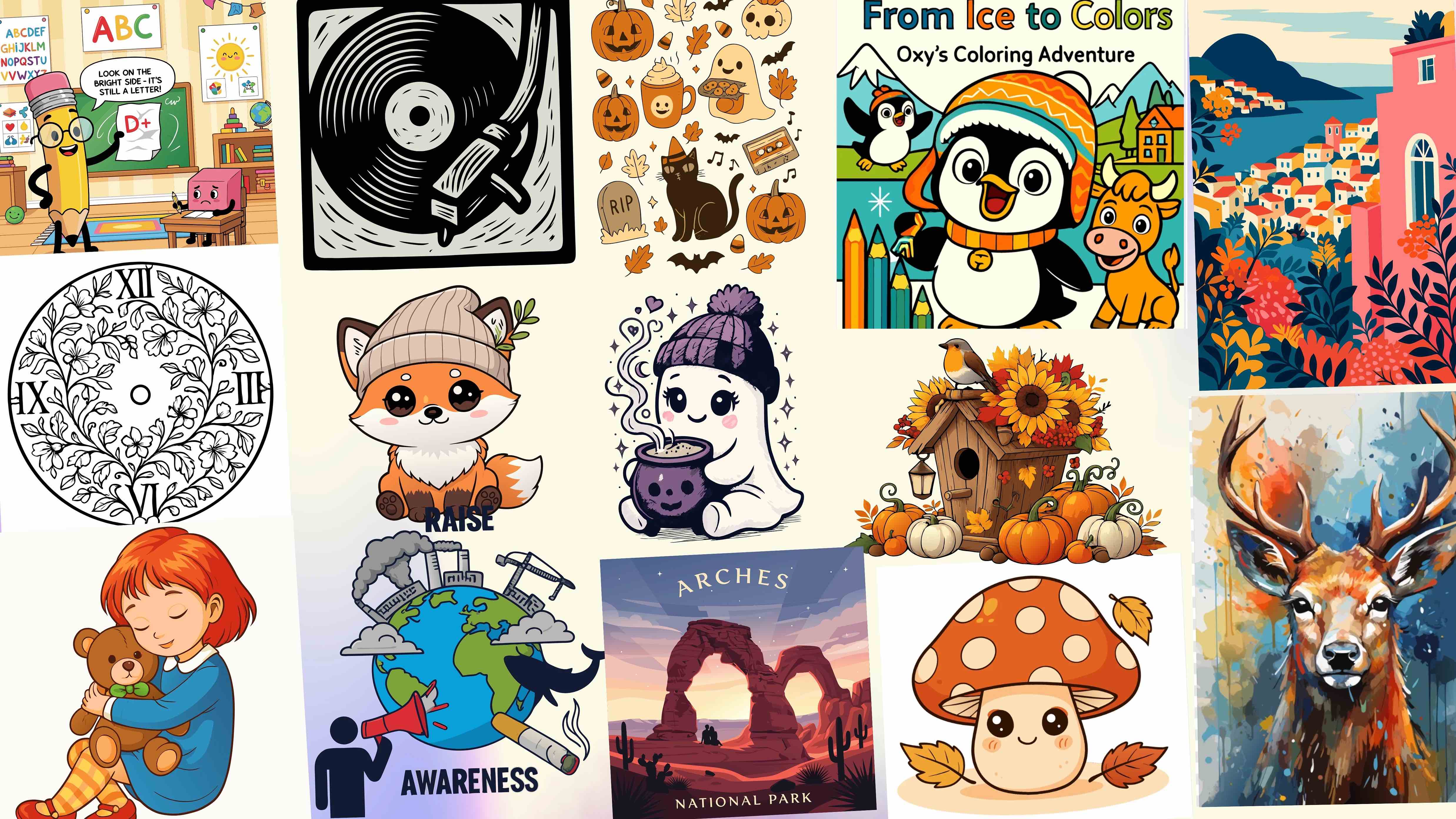
The Visual Consistency Shift Reshaping Modern Brand Management
Design teams waste hours managing brand assets across fragmented tools. Files drift out of sync. Logos get redrawn. Colors shift between platforms. Consistency breaks down. A centralized vector system solves this.
According to Exploding Topics, visuals account for 55% of the first impressions brands make on people, showing how important things like logos and images are.
A company's audience probably already recognizes the colors and fonts used in marketing campaigns. Tweaking these even by a small bit makes campaigns more interesting. Businesses that use tools to create AI-generated assets can make their marketing campaigns more cost effective and memorable.
AI Design Agent, SVG Tools, and Developer Integrations for Consistent, Scalable Brand Graphics
For indie brands, startups, and growing businesses, maintaining visual consistency requires more than creating individual logos or illustrations. As brand assets expand across websites, applications, marketing campaigns, and digital products, disconnected design tools can make it difficult to maintain a unified visual identity.
SVGMaker addresses this challenge with an all-in-one, integrated AI Design Studio that combines a brand-aware AI Design Agent, SVG generation and editing, vector conversion, and developer integrations in one connected workflow. Businesses can create, edit, convert, and refine visual assets while maintaining greater consistency across their brand identity.
AI Design Agent and Creative Tools
- AI Design Agent – Describe what you need in a chat and get editable SVG logos, icons, illustrations, patterns, and full icon or illustration packs. Save your logos, colors, and fonts in a Brand Kit or pick a saved Style, and every design follows it. Refine results by asking for changes, open them in the SVG editor, and keep your work organized in Projects and the Library.
- AI Text to SVG – Turn natural-language prompts into scalable, editable SVG graphics for branding, websites, marketing materials, and digital products.
- AI SVG Editor – Modify existing vector graphics using natural-language instructions to recolor, refine, and adapt designs.
- SVG Editor – Manually customize SVG paths, shapes, colors, typography, and design elements using browser-based vector editing tools.
- AI App Icon Generator – Generate custom app icons for iOS, Android, macOS, and digital products that reflect a consistent brand identity.
- AI Fantasy Character Generator – Create fantasy characters and character sheets for Dungeons & Dragons (D&D), tabletop role-playing games (TTRPGs), fantasy storytelling, and creative projects.
- AI SVG Background Remover – Remove unwanted backgrounds from SVG graphics to prepare cleaner assets for design and branding workflows.
SVG and Vector Conversion Tools
Existing brand assets are not always available in editable vector formats. SVGMaker's conversion tools help businesses reuse and modernize older graphics without rebuilding every design from scratch.
- Logo to SVG – Convert existing logo images into scalable, editable SVG graphics for consistent use across digital platforms, print materials, and brand identities.
- PNG to SVG – Transform PNG images into vector graphics that can be resized, refined, and reused without pixelation.
- AI SVG Converter – Convert JPG, PNG, WebP, and other raster images into editable SVG vector graphics using AI-powered vectorization.
Design Integrations and Developer Automation
Beyond individual design tools, SVGMaker supports connected workflows that help designers, developers, and businesses create and reuse vector assets across their existing platforms.
- SVGMaker Figma Plugin – Generate, edit, and convert SVG graphics within Figma, helping UI/UX designers maintain consistent visual assets across product interfaces and design systems.
- SVGMaker Design API – Integrate the AI Design Agent into websites, applications, and automated design workflows to create editable logos, brand assets, icon sets, and diagrams from plain-English briefs.
- SVGMaker API – Integrate AI-powered SVG generation, editing, and vector conversion into websites, applications, and automated design workflows.
- SVGMaker MCP Server – Connect AI agents and development environments such as Claude Code, Cursor, and VS Code with SVGMaker's vector design capabilities.
By bringing these capabilities into a unified design workflow, SVGMaker helps teams reduce repetitive design tasks, reuse existing assets, and maintain greater visual consistency as their brand grows. Rather than managing separate tools and disconnected files, businesses can build a more connected approach to creating and scaling brand graphics.
Why Fragmented Tools Destroy Brand Consistency
Brand management is the process of creating, maintaining, and changing a company's identity. Businesses must ensure everyone on their team is following the same basic visual rules. One way to create consistency in messaging is creating a simple branding kit to guide them, and include:
- Brand assets
- Guidelines
- Resources
Brand management doesn't need to be complicated. Websites, social media posts, sales materials, and product infographics should all look like they belong to the same company.
How Centralized Vector Assets Protect Brand Identity
Brand management ensures consistency. Giving employees a shared system to use for branding makes their work easier while also helping consumers recognize a company's identity across touchpoints. A tool like Adobe Express lets them:
- Organize all the design elements
- Assign roles to the colors
- Add brand fonts
Businesses protect their brand's visual identity once employees know where to access the assets they need.
During a rebrand, leadership might decide to pick new logo colors or go for a different product icon. Using AI for brand management allows a business to modify SVG files without rebuilding design systems.
AI-Powered Vector Systems Cut Design Rework by Hours
AI creates new designs faster. Its speed isn't the only thing to look forward to; when traditional tools feel too limited, AI tools can breathe new life into marketing.
Text-to-SVG: Generating On-Brand Assets in Minutes
There isn't always a need to start a new graphic design with a blank canvas. An AI-powered vector design platform can simplify the process. With a brief description, they can produce new graphics, and those graphics can be fine-tuned further with additional instructions.
Changes are easy to make, allowing marketing teams to experiment and refine their process instead of feeling stuck with the produced design.
Utilizing Old Brand Files by Converting Them
There are times where businesses want to use an old logo but can't access the original editable file. With the right tool, these businesses can simply convert the file into SVG.
This step adds older brand assets into current creative workflows. After converting them, marketing teams can then edit their vector files.
Converting legacy brand assets into editable vectors makes them easier to reuse and maintain, while AI design agents offered by platforms like SVGMaker can streamline the process from conversion through SVG editing as asset libraries grow.
One Canvas: How SVG Prevents Version Drift
The moment companies start treating each new design as a separate project, it becomes harder to achieve brand consistency. Teams should connect each file since they probably have individual:
- Text
- Paths
- Shapes
With SVG, that's exactly what happens. Any tweaks made to the master SVG definition get applied across the board. When asset fragmentation hampers operations, this solves it.
What Causes Visual Drift?
The causes of brand fragmentation vary and can arise from the way digital workflows have a tendency to sprawl and morph from person to person and team to team. If one designer works on a logo and shares the updated design to a central media server, but doesn't follow proper file naming conventions, it could easily be mistaken for a primary brand asset and reused elsewhere by an unsuspecting colleague. The more assets there are to be altered and accessed, the higher the likelihood of such a scenario arising.
The gradual desyncing of visual assets happens if there's no single, unified source to which everyone has access and from which all brand content is derived. And if links between design files and live production environments aren't properly maintained, or don't exist at all, achieving consistency is entirely reliant on manually auditing every piece of this disparate mosaic regularly.
How Asset Fragmentation Costs Brands
The issue of inconsistent brand visuals caused by fragmented assets is not just a productivity problem or a consumer recognition conundrum, as it also leaves an unambiguous mark on company cash flow. Research cited by Omnibound indicates businesses could increase annual revenues by as much as 33% by unifying brand assets, with the implication being that those that aren't doing this are suffering significant losses.
The combination of suboptimal marketing performance and internal productivity bottlenecks caused by fragmentation can be the source of issues in organizations of all sizes, and can also be allowed to persist because it's difficult to detect and quantify. And yet modern audiences are so media-savvy that they'll often be able to spot brand inconsistencies at a glance, thus viewing products as unpolished and taking their custom elsewhere. Put simply, fixing discrepancies after the fact is a more expensive option than taking action to solve the infrastructural issues that are enabling them in the first place.
SVG vs Raster
The technical side of the choice between scalable vector graphics (SVG) and raster image formats like PNGs and JPEGs can get understandably complex, although there are some top-level talking points that most can understand to illustrate the differences.
Raster images store visual information inside a static grid of colored pixels, and when you enlarge them, the pixels get interpolated, resulting in the characteristic blurriness and jaggedness common in raster formats. SVG avoids this by defining the attributes of an image mathematically, keeping attributes like shapes and colors in a format that's innately designed to scale and thus look pin-sharp whether blown up for a billboard ad or squeezed down to fit on a smartphone screen.
Another upside of SVG from an anti-fragmentation standpoint is that their internal attributes can be defined via code, as they're XML documents, and give designers the ability to make tweaks that then roll out across an entire ecosystem, such as an application UI, as mentioned earlier. It's this feature that really benefits brands from a visual consistency perspective.
The W3C SVG Specification Standard
The World Wide Web Consortium (W3C) is responsible for maintaining the specs of SVG as an open standard, with the aim of ensuring ongoing cross-platform compatibility and avoiding reliance on anything that's proprietary. Each SVG file consists of node trees that define the graphical elements they represent, which are then processed and displayed by web browsers and a range of other platforms and devices. The upshot is an entirely consistent end result every time, giving designers assurance that what the end user sees is consistent with their original vision.
With SVGs used across over 67% of all websites, according to current W3Techs research, the popularity of the format is clear. Brands are thus incentivized to use it not just for its consistency and convenience potential, but for its proven support and acceptance.
Before and After SVGs
How brands handle visual assets would traditionally rely on each end user manually downloading files to work on, storing them locally for the duration, and then exporting the completed assets as a new file to be stored centrally. In turn, other team members must be informed manually of changes made and new files created, with all of the complexities and potential for mistakes that this brings with it.
Adopting a modern vector platform simplifies asset management for growing teams:
- Standardized SVG source files prevent local file duplicates
- Global CSS variables update color palettes across web apps instantly
- Programmatic file access ensures marketing teams always use approved assets
Moving away from static folder dumps keeps design and development teams aligned. Centralized vector management eliminates version drift at the source.
Scaling Brand Assets Programmatically
The manual management of brand assets, regardless of file type and formatting, is both undesirable and practically impossible given the scale of the visual content catalogs that most modern businesses deal with. The shift in modern design infrastructure is one towards the use of APIs, which can connect vector graphics with the platforms they appear on seamlessly and automatically, whether that's across web apps and mobile products or marketing campaigns.
Instead of storing static images in their thousands, designers can rely on unified SVGs that preserve a brand's visual identity to be fetched and served via automated API endpoints, with programmatic pipelines enabling the underlying XML code to be altered in real time for complete flexibility. So if an end user wants to enable dark mode or adjust how text appears, this won't cause brand assets to suddenly look strange or out of place.
Brands are working with API-driven vector solutions to achieve that all-important visual consistency that's key to attracting customers and increasing revenues. Those that don't risk losing out to better-prepared rivals and relinquishing market share in the process.